
4D BIM for Precast Concrete: Visualising the Construction Sequence
A 3D model tells you what a structure looks like. A 4D model tells you how it goes together. For precast concrete construction, that second question is often the more important one.
What a 4D BIM Model Actually Does
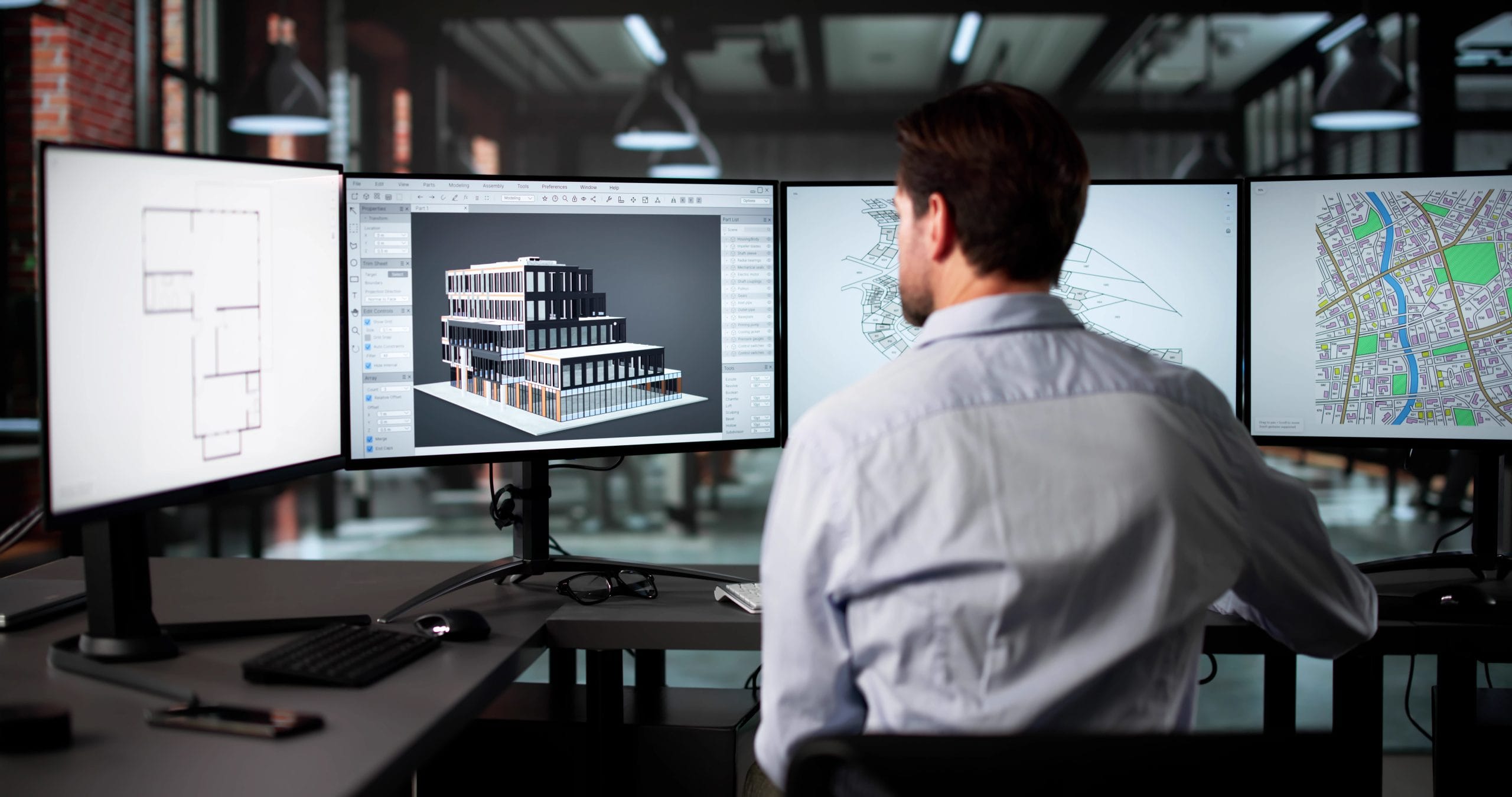
BIM software like Tekla Structures allows you to attach information to every object in the model. That information can go well beyond geometry. You can link construction timelines, element costs, quality records, manufacturing data, and maintenance requirements directly to each precast element. When you add a construction schedule to the model, the result is a 4D BIM model: a live simulation of how the structure assembles over time.
The practical value is straightforward. Instead of reading a programme and trying to picture the sequence in your head, you watch it play out on screen. Every stakeholder, from the engineer to the site manager to the client, sees the same sequence and can raise problems before any concrete leaves the factory.
What the Video Shows
The animation above demonstrates exactly this for a precast concrete core. The model was created and sequenced in Tekla Structures, and the colour coding makes the construction logic immediately readable. Grey elements represent completed work. Green elements show the components being installed in the current stage. Yellow highlights the most recently placed element.
The core itself consists of precast wall panels forming the shaft, precast stair landings, and stair flights connecting levels. As the animation plays, you can follow each installation step: which panels go first, where the landings sit in the sequence, and how the stair flights follow once the supporting structure is in place. The full height of the core builds up floor by floor, and the sequence logic becomes clear within the first minute of watching.
Why Construction Sequencing Matters for Precast
Precast elements arrive on site in a fixed, manufactured state. Unlike in-situ concrete, you cannot adjust the shape or connections on the fly. Consequently, the construction sequence must be finalised before production starts, not after.
A 4D model catches sequencing problems that a static 3D model misses. If an element needs to be lifted past another element that is already in place, the animation shows the clash. If a landing needs to be in position before the adjacent wall panel can be connected, the sequence makes that dependency visible. Identifying these issues in the model costs nothing. Finding them on site, with a crane waiting and a crew standing around, is a different matter entirely.
Beyond the Staircase Core
The precast core example in the video is deliberately simple. The same approach scales to full building frames, facade systems, and multi-storey structures. Furthermore, the data attached to each element in a 4D model can drive production scheduling, delivery planning, and on-site logistics. When the model and the programme stay aligned, the whole supply chain works from the same information.
That is what turns a 3D model into a genuine management tool, rather than just a design reference.
More videos available on our YouTube channel.