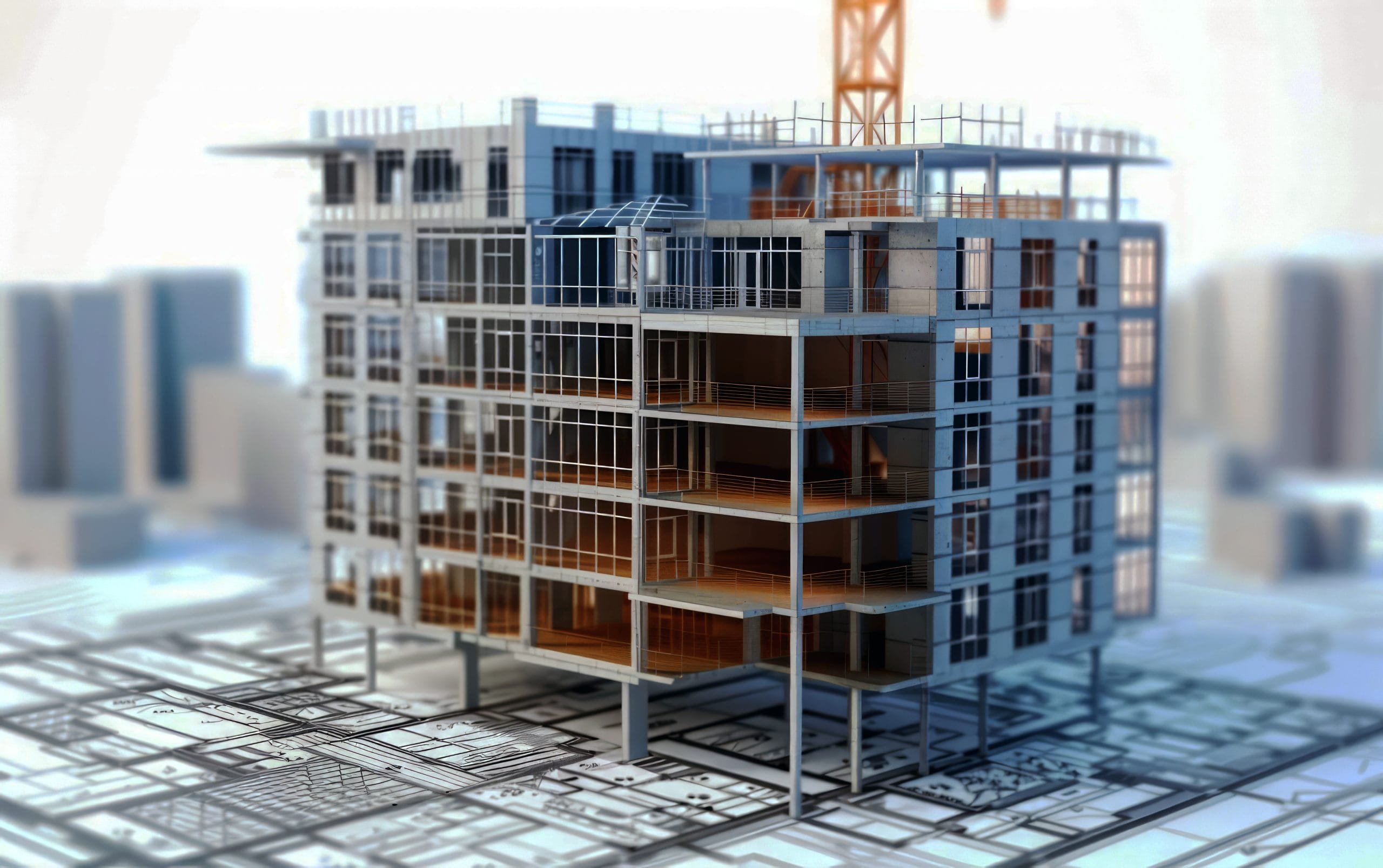
Building Information Model as a Project Management tool.
A picture is worth a thousand words…
A picture is worth a thousand words. In construction project management, that’s not just a saying. It’s a practical principle. When project stakeholders need to understand progress quickly, a colour-coded 3D model communicates more in seconds than a spreadsheet can in minutes.
This article explains how to use a Building Information Model as a live project management tool. The approach is based on hands-on experience with Tekla Structures and precast concrete, but the same principles apply to any 3D BIM package that allows custom parameter creation.
What a BIM Model Actually Contains
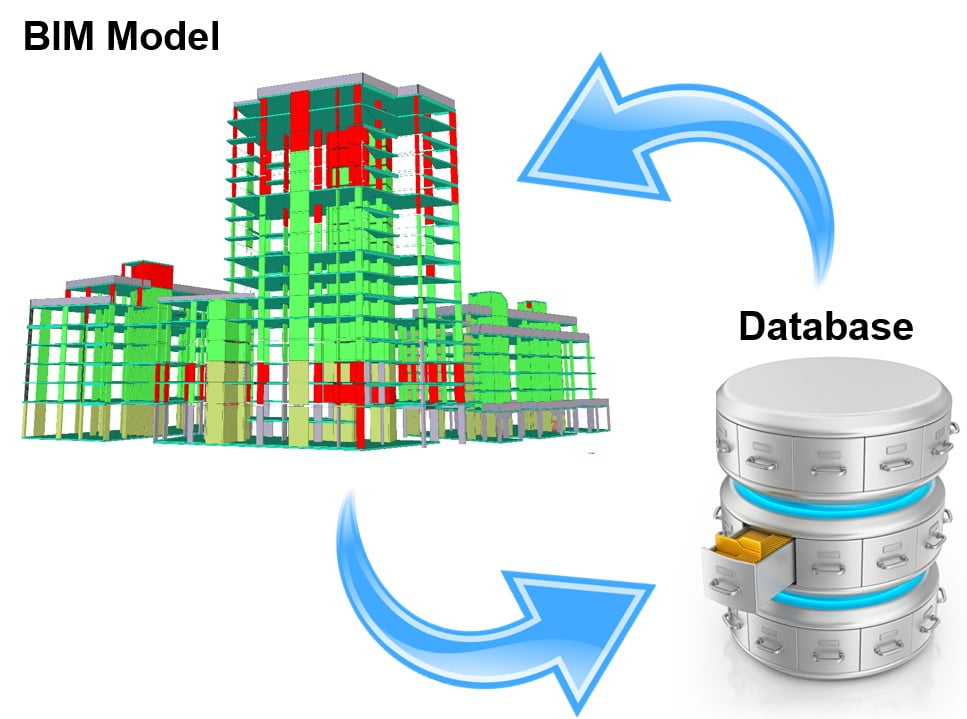
Most people think of a BIM model as a 3D drawing. In reality, it’s a database with a graphical front end. Every object in the model carries properties: dimensions, materials, references, and any custom parameters the user defines.
That flexibility is what makes BIM useful beyond design coordination. When you assign workflow data to each precast element, the model becomes a real-time record of where every piece is in the production and delivery process.
What Information You Can Track
For each precast element, you can create a set of user-defined parameters that cover the entire project workflow. A typical setup includes:
- Uniclass classification data
- Design and approval status
- QA records
- Production records
- Delivery records
- Erection and handover records
Once these parameters are in place, you can filter and display the model by any of them. So instead of asking your site manager for a progress update, you open the model and see it directly, with each element colour-coded by its current status.
How to Display Progress Visually
Tekla Structures and similar BIM tools include object representation settings that let you assign colours based on parameter values. You can set up a view that shows, at a glance, which elements have been designed, approved, produced, delivered, erected, and handed over.
The same data also feeds into 2D general arrangement drawings, where each element label can display whatever information you need. Alternatively, you can export reports to Excel or PDF for use outside the model.
Keeping the Model Up to Date
The model only reflects reality if someone keeps it up to date. There are several ways to manage this, depending on your existing systems.
If your factory runs a production management system such as Impact or ELiPLAN, you can exchange data directly between that system and the BIM model. This removes the need for manual data entry at the production stage.
For delivery and erection updates, tools like Trimble Connect, with its Status Sharing function, work well. Site teams scan barcodes or QR codes on element labels using a phone or tablet, and the information is fed back into the model database. Alternatively, RFID tags cast into elements can be read with a dedicated scanner.
Where no integration is available, the model can be updated manually through Excel imports or by editing object properties directly. It takes more effort, but it works if the process is followed consistently.
What You Can Do With the Data
Once the update process runs reliably, the model becomes a single source of truth for the entire project team. Progress reviews become faster because the information is visual and up to date. You can also generate timeline animations showing how the project developed, week by week, using saved model snapshots.
Beyond reporting, the accumulated data opens up further possibilities. Analysing progress records over time helps identify where delays tend to occur and where the process can improve. Some BIM platforms are already developing tools that flag potential problems automatically based on progress patterns.
The core principle, though, remains simple: collect accurate information, keep it up to date, and let the model show you what’s happening.
This article is also published on my LinkedIn website.